
Schools hold sensitive information about learners, parents, staff, payments and academic performance. Moving from paper to software makes information easier to use, but it also creates a responsibility to protect access and maintain reliable backups.
Security is therefore not only an IT issue. It is part of good school administration.
Any institution choosing software should ask serious questions about school data security in Uganda before entering years of student and financial records.
Use Individual User Accounts
Staff should not share one administrator password. Each authorised user should have an account appropriate to their role so access can be limited and responsibilities are clearer.
Apply Role-Based Permissions
- Teachers should access the academic functions they need
- Bursars should access authorised finance functions
- Parents should only see permitted information for their children
- Sensitive administrative settings should be restricted
- Former staff accounts should be disabled promptly
Back Up Important School Data
A backup plan should protect the school from accidental deletion, device failure and other disruptions. Schools should understand how often backups occur, where they are stored and how data would be restored.
Protect Passwords and Devices
Strong passwords, screen locks, updated devices and careful handling of shared computers are basic controls that can prevent avoidable access problems.
Train Staff on Data Handling
Security can fail even when the software is well designed if users share passwords, download sensitive files to unsafe devices or send private student information through inappropriate channels.
Ask Your Software Provider the Right Questions
- Where is school data hosted?
- How are backups handled?
- Can user permissions be customised?
- What happens when a staff member leaves?
- How are updates and security issues handled?
- What support is available if data must be recovered?
Security and Usability Must Work Together
The safest system is not useful if staff bypass it because it is too complicated. Schools should choose a platform that combines sensible controls with workflows staff can follow consistently.
How School Monitor Approaches Organised Access
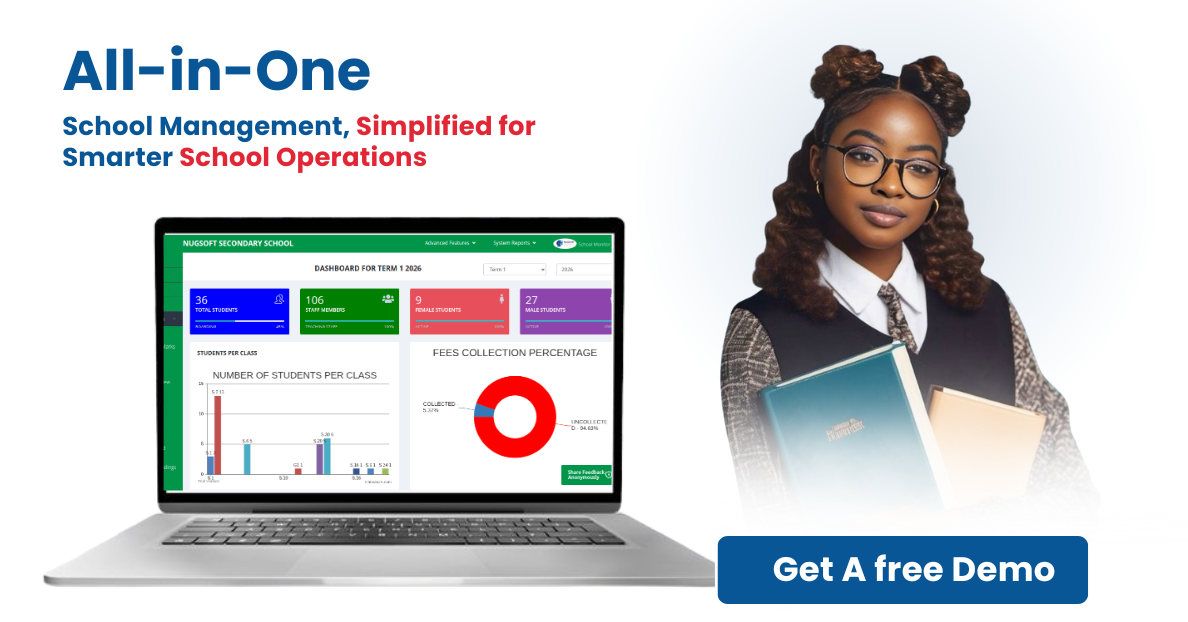
School Monitor centralises key school records and supports controlled user access, helping schools reduce the number of scattered files and unmanaged copies of sensitive information.
Protect your school’s records by choosing a management system with structured access, reliable backups and responsible user practices.
Related School Monitor resources: Read School Monitor FAQs • Explore system features and modules • Contact the School Monitor team